

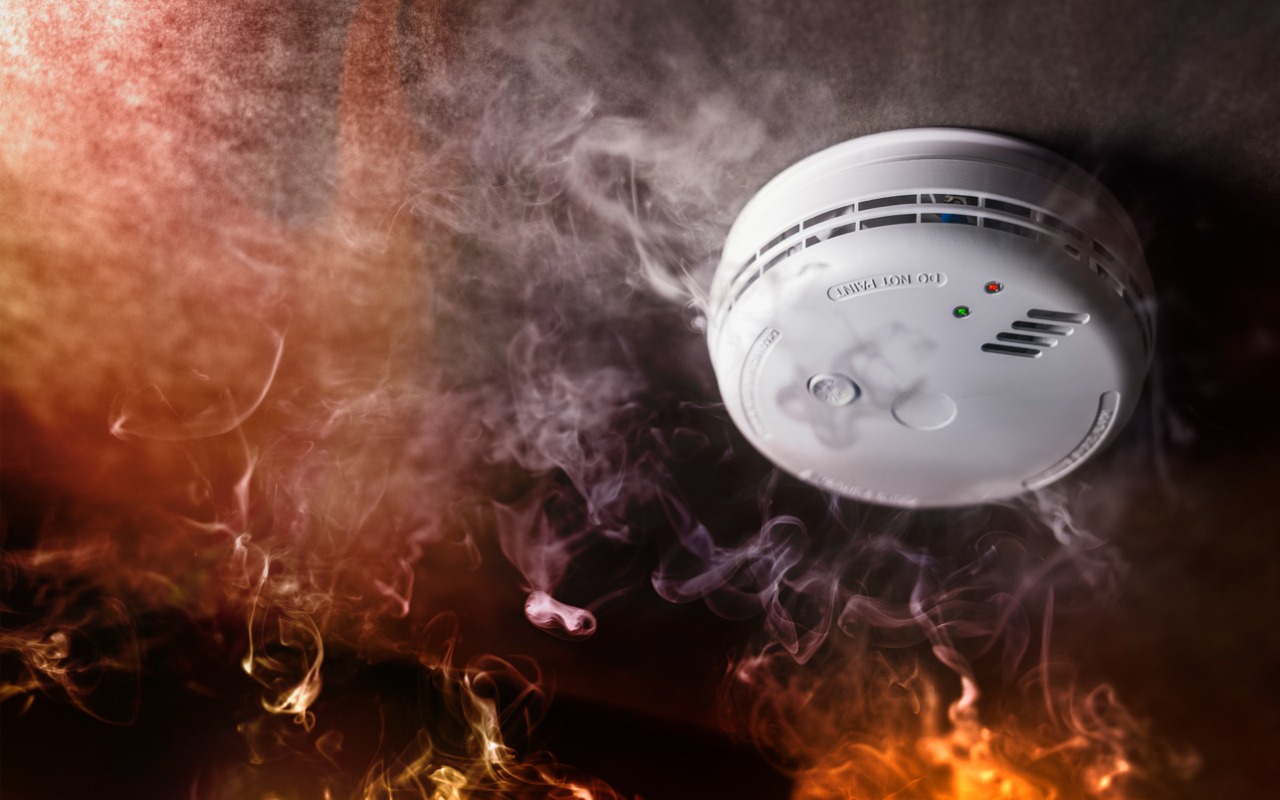
Although we think about HomePods as being useful for playing audio and responding to Siri commands for HomeKit devices, they can do more. HomePods can send a notification to your iPhone if their built-in microphones recognize the piercing squeals from smoke and carbon monoxide alarms. If you are away from home, that notification could help you alert neighbors and call 911, shaving minutes off response times. To turn the feature on, open the Home app, tap the ••• button in the upper-right corner, navigate to Safety & Security > Sound Recognition, and turn on the switches for Smoke & CO Alarm and any HomePods you have.

(Featured image by iStock.com/BrianAJackson)
Social Media: Apple’s HomePods can recognize the sound of a nearby smoke or carbon monoxide alarm and notify your iPhone, alerting you when you’re away and allowing you to inform emergency services and neighbors.
Recent Posts
Apr. 04, 2025
Share Wi-Fi Network Passwords Using QR Codes
Apr. 04, 2025
Don’t Assume That Top Google Search Results Are Guaranteed Safe

Apr. 04, 2025
With iOS 18.2 and Later, You Can Share the Location of Lost Items in Find My
Apr. 04, 2025
Apple Says More Personalized Siri Will Be Delayed

Apr. 04, 2025
Security Precautions to Take While Traveling

Apr. 04, 2025
Working with Time Zones in Apple’s Calendar Apps

Apr. 04, 2025
Keep Your Browsing Organized with Browser Profiles

Apr. 04, 2025
Run a Business? Sign Up with Apple Business Connect
Mar. 07, 2025
Create Links to Selected Text in Long Web Pages
Mar. 07, 2025
HomePods Can Alert You of Smoke and Carbon Monoxide Alarms
View All Posts